Feature
Import and data prep
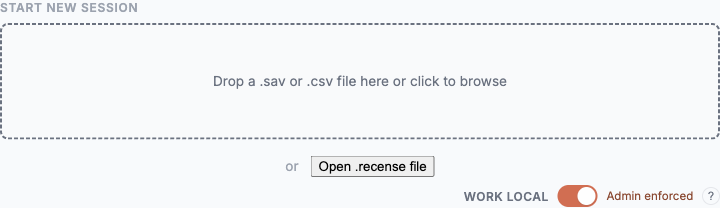
Drag the .sav in. Recense reads it in your browser, infers structure, and presents a working canvas in seconds. The metadata that survey data lives or dies by — labels, missing codes, weights, multi-response sets — is preserved.
Bring your file as-is
- SPSS .sav — first-class. Variable types, value labels, user-missing codes, weights, and dataset metadata round-trip cleanly.
- CSV / Excel — supported. Recense suggests types and missing-value semantics and asks you to confirm what it can't infer.
- More formats on the roadmap. If yours isn't listed, tell us.
Automatic structure inference
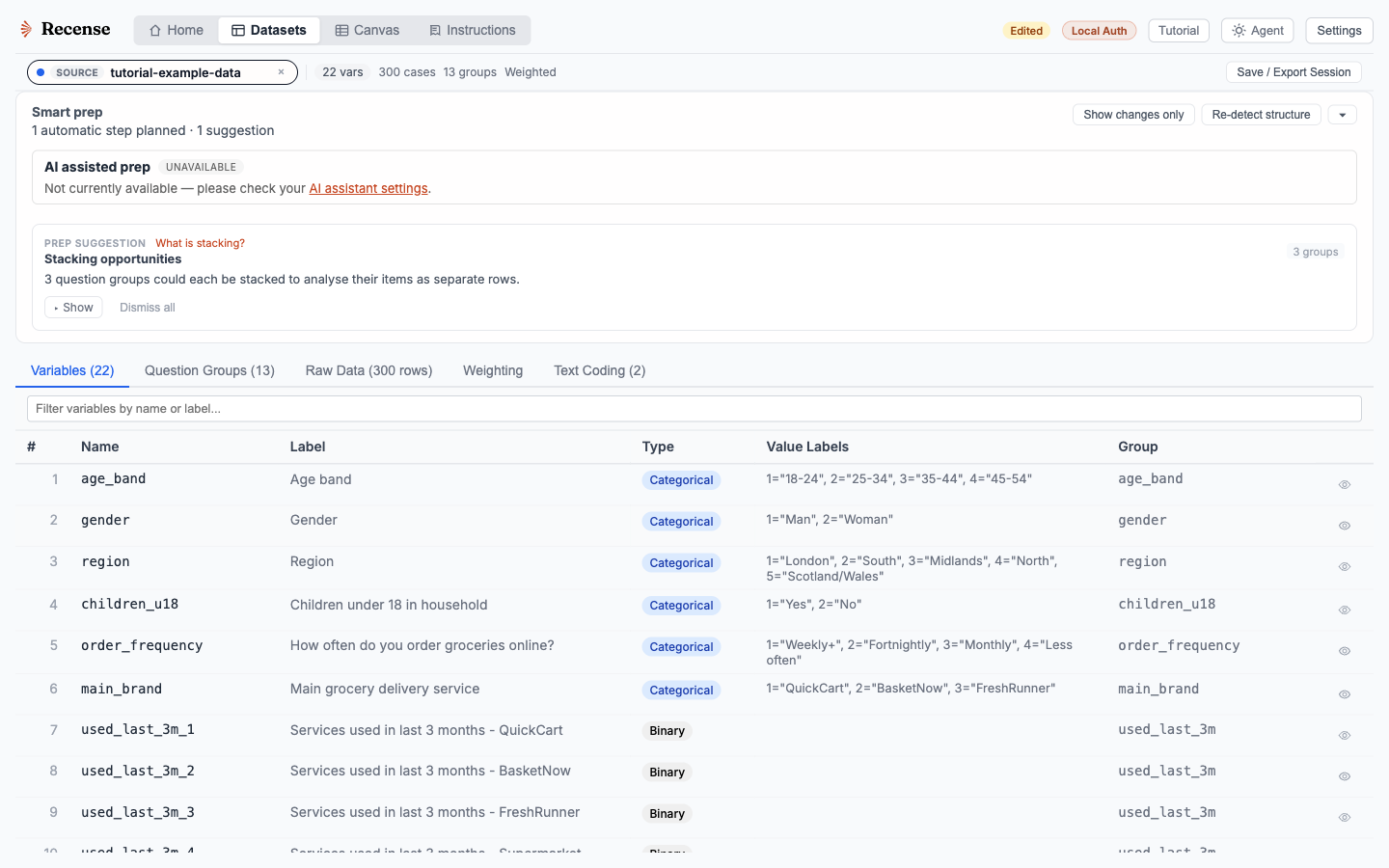
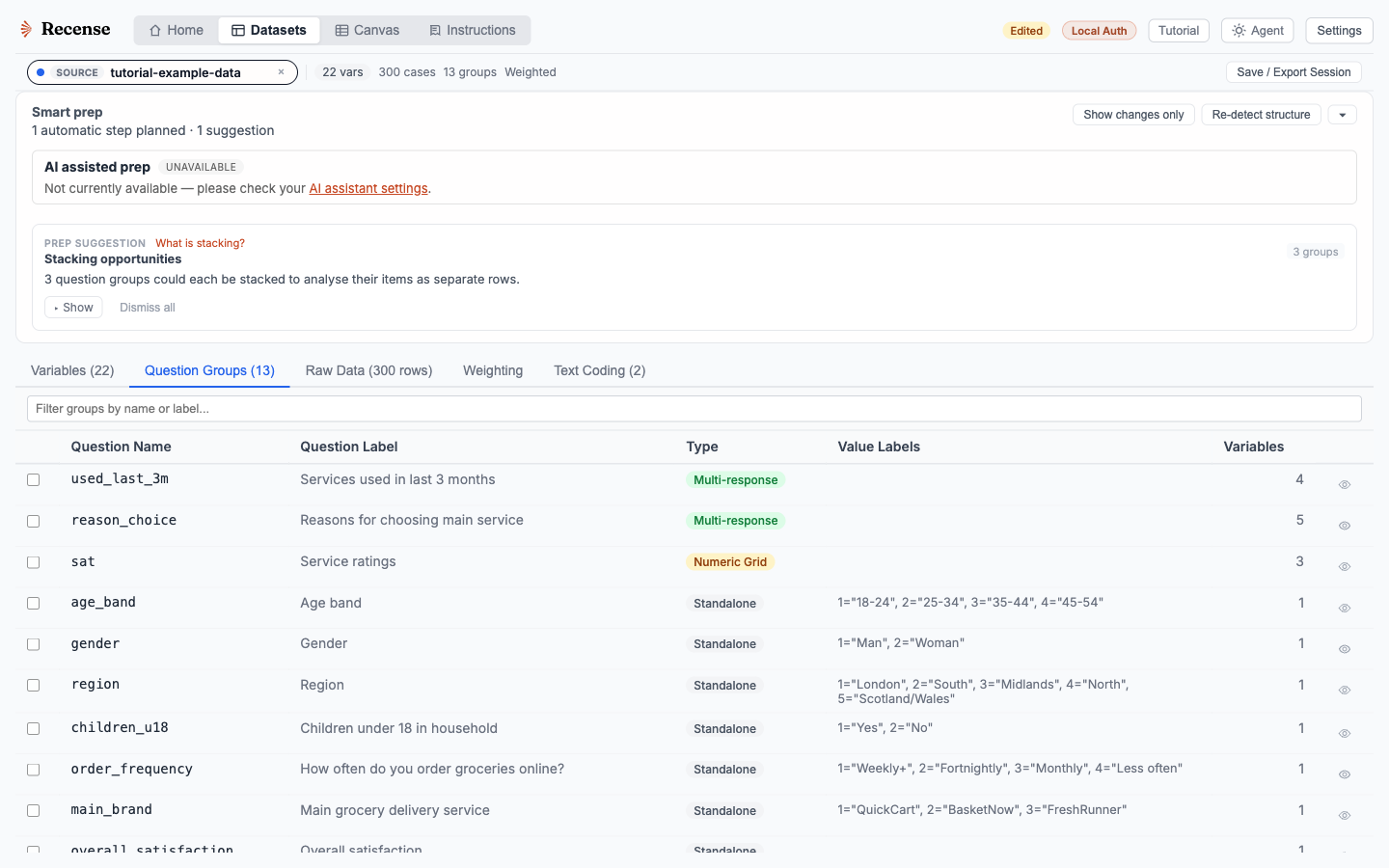
On import, Recense classifies each variable: categorical, numeric, Likert, multiple-response set or grid, date, currency, free text. User-missing codes are recognised. Weight variables are flagged. Multi-response sets, even when they're stored as a stack of binary columns, are reassembled into a single logical variable.
Inference is a starting point, not a verdict. Every classification is editable from the canvas — change a type, redefine a missing code, recast a numeric column as Likert, split a stacked grid. Fix at the source, and every downstream table, derived variable, and chart updates.
Survey-aware handling
- Value labels everywhere. Tables, charts, filters, and agent prompts use the human-readable labels, not the underlying integer codes.
- Missing-value semantics. SPSS user-missing, system-missing, and "not asked" routing flow through the tabulation engine. Bases reflect actual respondents, not row counts.
- Weights. Use weights from the dataset, layer additional schemes, or build a new RIM weighting from the canvas. Effective base is reported next to unweighted N.
- Multiple response. Sets and grids are analysed as one variable. No reconstruction in Excel needed.
- Hierarchical / looped data. Loop blocks are preserved through import; analysis can run at the parent level or the child level explicitly.
Speed
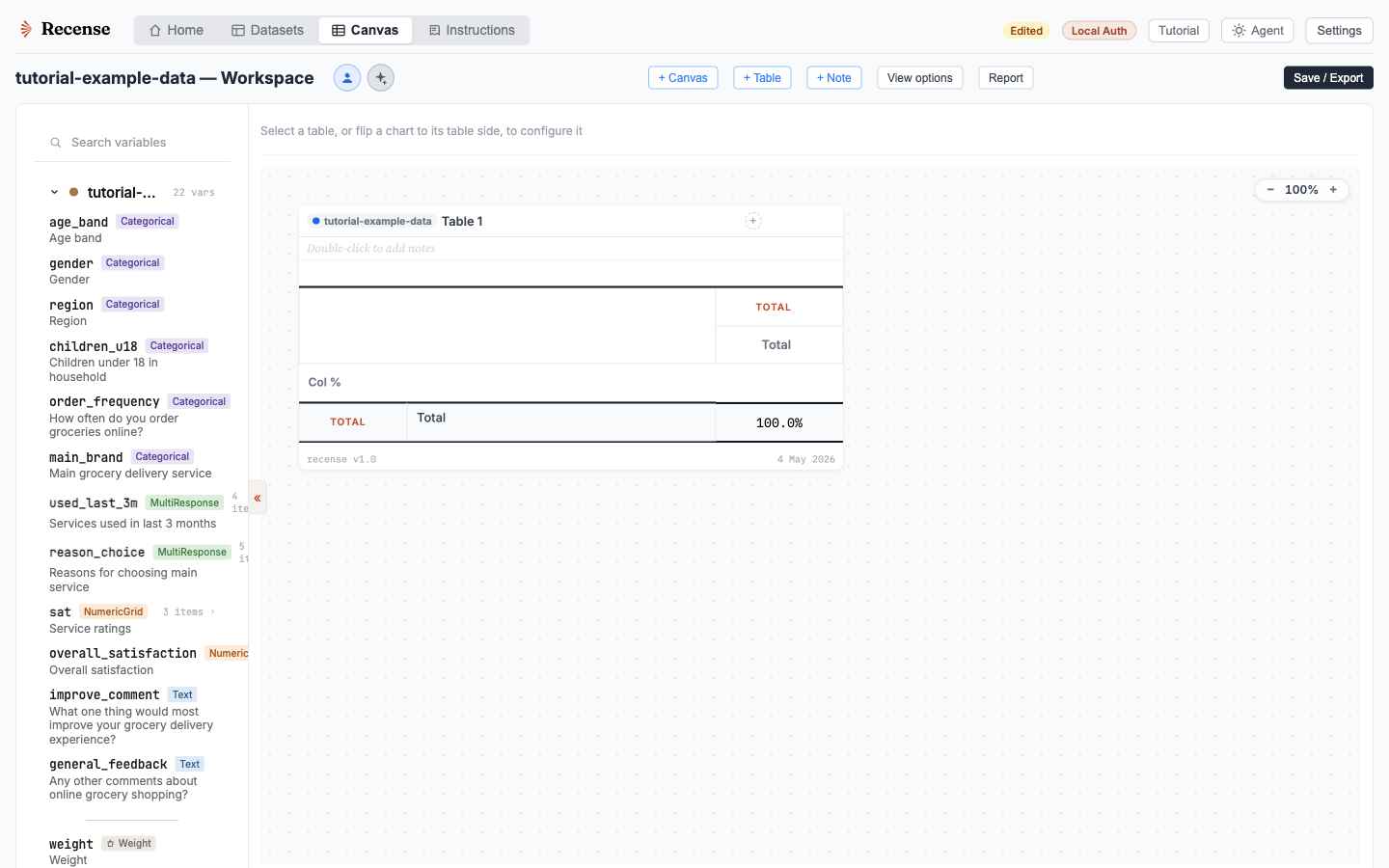
Recense's columnar storage means a 50 MB .sav file with 48,000 respondents and 425 variables (over 20 million data points) imports in a few seconds on a typical laptop. The first crosstab is on screen before you've put the kettle on.
Bring a file
The fastest way to evaluate Recense is to drop your own .sav into the canvas.