Feature
AI agents in the canvas
Brief the agent like a colleague. It builds tables, applies filters, derives variables, and writes analysis — directly in your workspace, on your data, with the model you choose.
Surface parity, not chatbot bolt-on
Every screen in Recense implements a single Surface protocol: a canonical Document of intent, an Action vocabulary for changes, and a Snapshot of observable state. Agents read and write through the same protocol the UI does. There is one notion of truth in the canvas; both human and agent operate it.
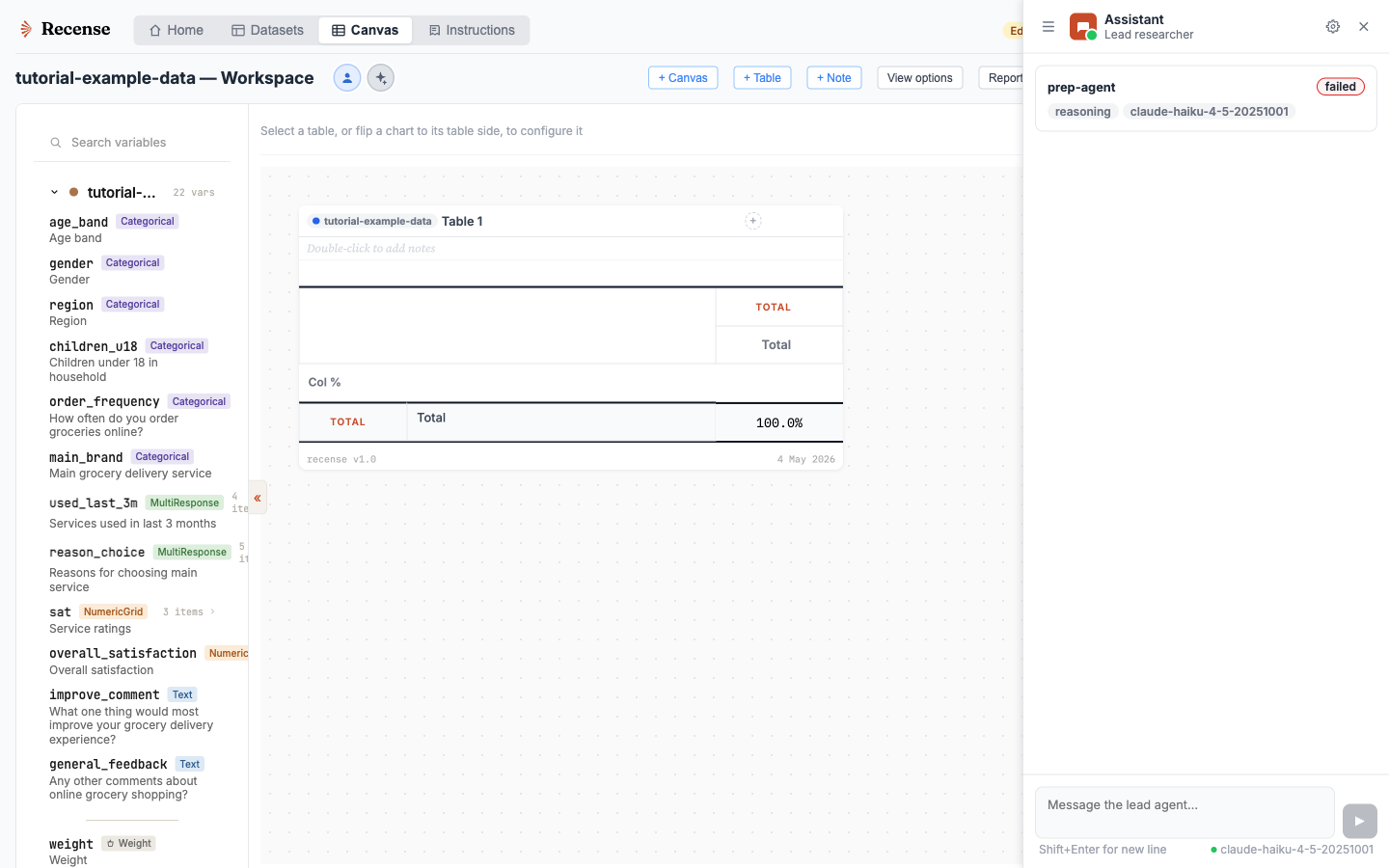
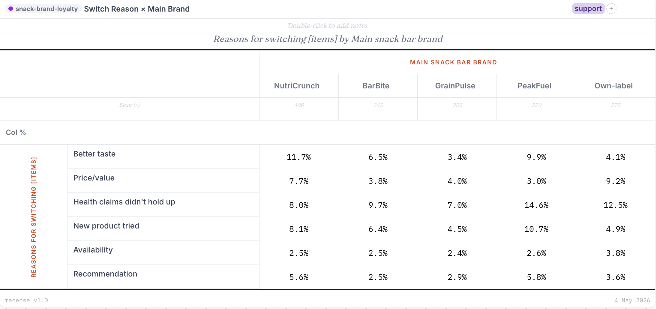
Practically: you can ask an agent to build a brand-tracking crosstab by region with sig testing at 95%, and the result is a real table in your canvas — editable, filterable, derivable — not a screenshot pasted into a chat thread.
What an agent can do
- Build crosstabs and pivots, set measures and weights, apply filters.
- Derive variables (recodes, nets, indices) and add formula cells.
- Search variables, summarise the dataset, find related questions.
- Draft narrative analysis next to the tables it built.
- Iterate on a brief — add cuts, refine cells, challenge weak findings — without losing context.
- Hand off between specialists: a planning agent, an analysis agent, a storytelling agent.
Bring your own model
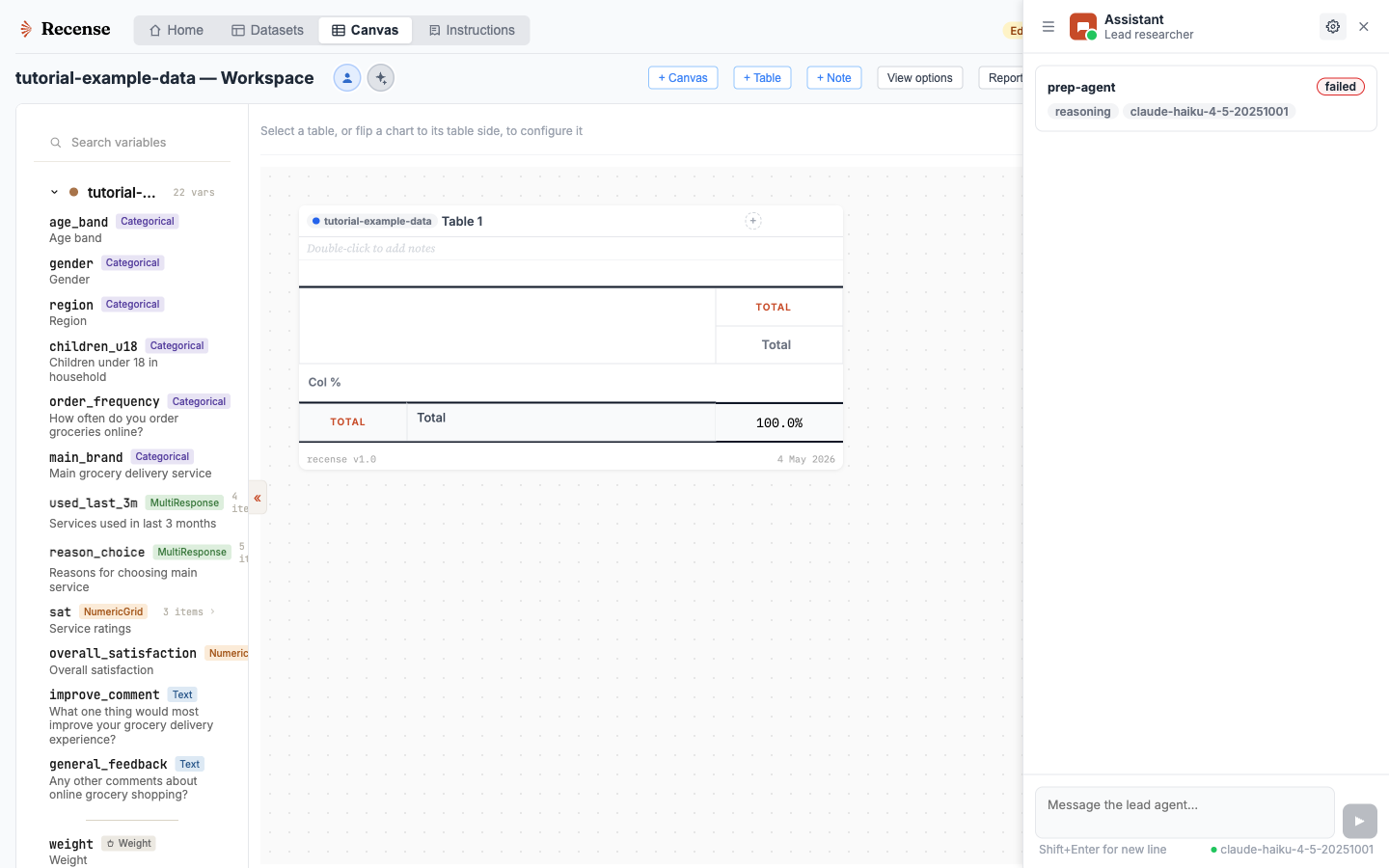
Frontier capability changes month to month. Locking a tool to one embedded model is a tax on the work. Recense supports two paths:
- Bring your own key (BYOK). Connect your Anthropic, OpenAI, Google, or Fireworks key. Conversations go from your browser to the provider — Recense never sees them.
- Built-in agent. Use a managed agent with included credits if you'd rather not handle keys. Provider choice is exposed; we proxy and don't store conversation text.
- MCP integration. The Recense canvas surfaces are exposed over the Model Context Protocol. Use Recense from Claude Desktop, Cursor, or any MCP-aware client.
Transparency by default
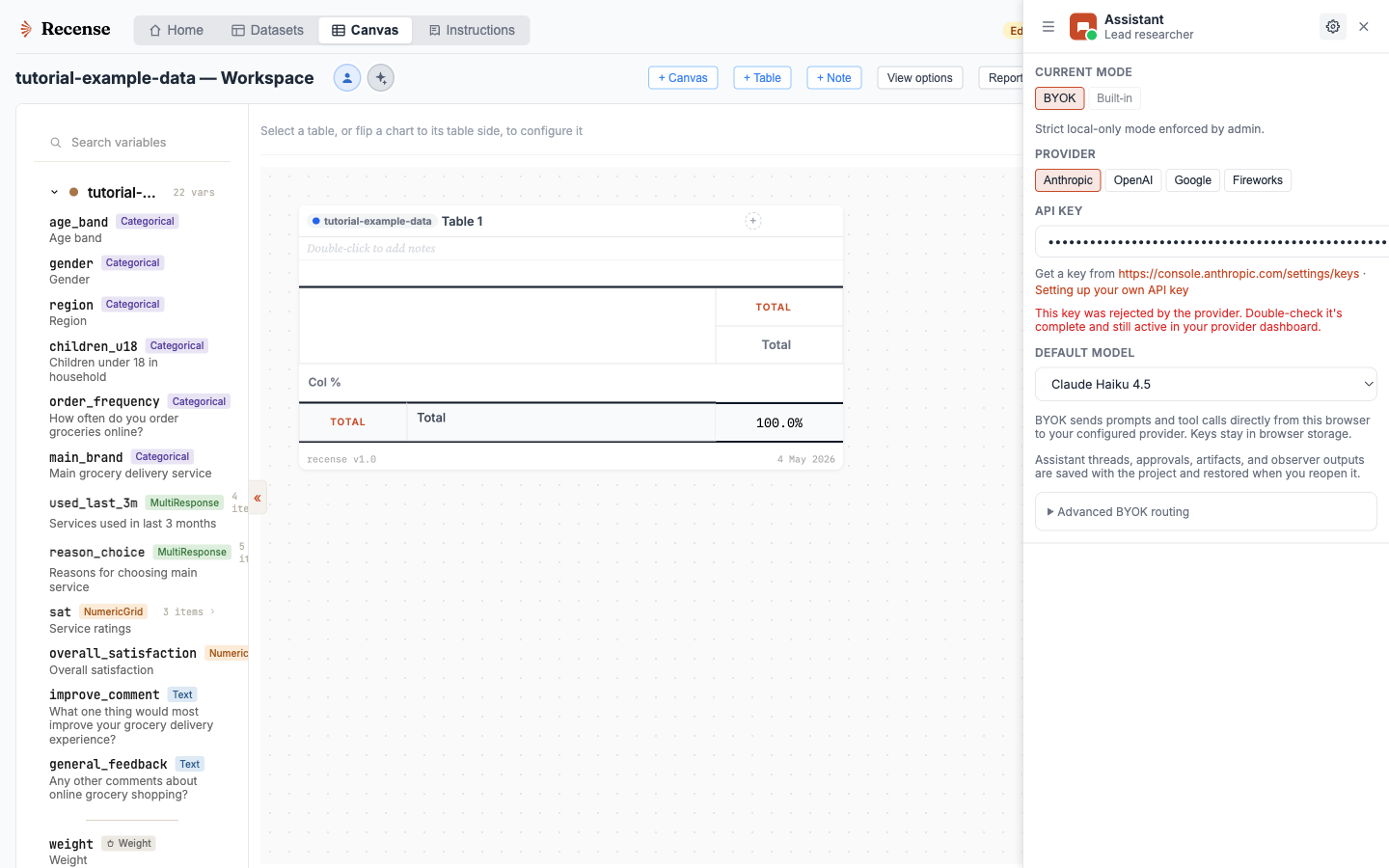
Every agent action is logged as a tool call against the canvas Surface. You can see what the agent built, why, and re-run or revert. There is no hidden sub-agent computation, no black-box "AI Insights" panel — just visible, undoable changes you can inspect.
Brief an agent on your data
Sign up, drop in a .sav, and put an agent to work.